Tutorial
Mastering Color Grading with AI Assistants
Emma Rodriguez
Color Specialist
February 22, 2023 · 5 min read
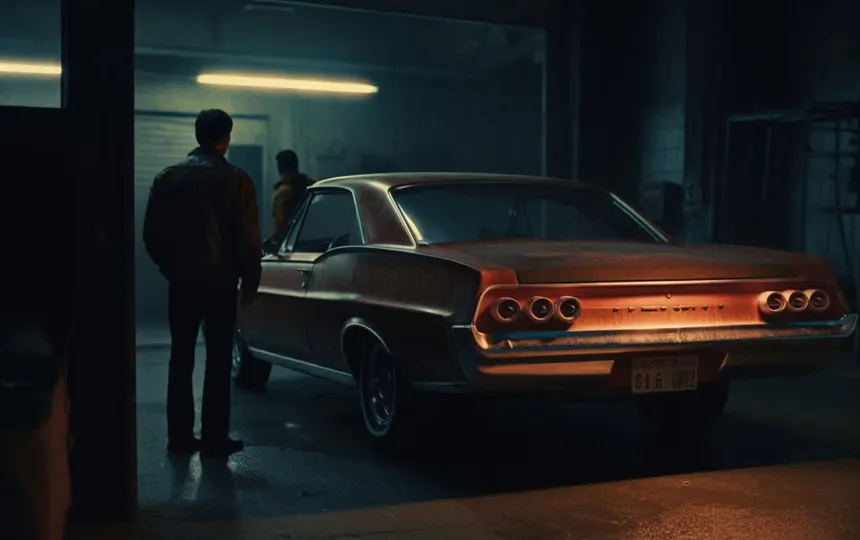
Color grading is often what separates amateur-looking images from professional ones. With our new AI Color Assistant, achieving cinematic color grades has never been more accessible. Here's how it works and how to get the most from it.
The Science of Color Perception
Our AI doesn't just adjust colors mechanically—it understands how humans perceive color relationships:
- Automatic skin tone preservation
- Context-aware color harmony
- Dynamic range optimization
- Cross-media consistency (print vs. digital)
Five Professional Techniques Made Easy
- Color Matching: Automatically match colors across different shots in a series
- Mood Transfer: Apply the color palette from reference images while preserving your content
- Selective Grading: AI identifies and isolates elements (sky, skin, foliage) for targeted adjustments
- Historical Styles: Apply authentic vintage film looks with accurate grain and tonality
- Accessibility Checks: Ensure color combinations meet WCAG standards for visibility
Advanced Features for Professionals
For users who want more control:
- Non-destructive adjustment layers with AI suggestions
- Color grading presets that adapt to your image content
- Batch processing with consistent style application
- Color space aware transformations
Whether you're a social media creator or a professional retoucher, AI color assistance can help you achieve better results faster while learning color theory principles along the way.
Tags:
Color GradingTutorialAI Assistant